RightAir Solutions is a company that specialises in commercial air conditioning services.

Can I really replace a thermostat myself safely and legally?

Yes, you can replace a thermostat yourself, provided your heating system is compatible, you understand the wiring, and you follow UK building regulations. Many homeowners can handle it with the right information and caution. This guide walks you through every stage, from assessment to installation, and explains when calling RightAir is the smarter choice.

Is Replacing a Thermostat Really a DIY Job?

The hesitation behind the question

You’ve just searched “Can I replace a thermostat myself?” and you’re trying to decide if this is a job you can handle or one for a professional. While it may look simple, replacing a thermostat involves more than connecting a few wires. It requires safety compliance, confidence, and a full understanding of the risks.

The hidden risks

Attempting to replace a thermostat without fully understanding the wiring can result in serious consequences. Making incorrect connections may lead to short circuits, signal relays misfiring, or electrical faults, which could damage your heating system or pose a fire risk. Even a minor mistake can affect system functionality or create safety hazards.

Another concern is the potential impact on your boiler’s warranty. Many manufacturers state that improper installation or unauthorised work can void your warranty or affect insurance coverage. If the work doesn’t meet specific standards or causes damage, you could be left footing the bill for repairs.

It’s also easy to unknowingly breach UK Part P Building Regulations, which govern electrical work in domestic settings. These rules exist to ensure safety and compliance, and even small violations could lead to penalties or complications when selling your property.

What to ask yourself

Before starting, it’s important to ask a few practical questions. Do you clearly understand what type of heating system you have, for example, is it a combi boiler, a conventional system, or zoned heating? Each setup has different wiring and thermostat requirements.

You’ll also need to be confident using a voltage tester or multimeter to ensure the power is fully off before handling any wires. This step is essential for your safety and must never be skipped.

Finally, have you reviewed safety advice from trusted UK sources such as Electrical Safety First or the Gas Safe Register? These organisations provide essential guidance on safe electrical and heating work, and their recommendations can help you avoid costly or dangerous mistakes.

Replacing a thermostat may seem straightforward at first. However, the process is more involved than simply changing a light switch. It requires an understanding of wiring, heating logic, boiler communication, and safety-critical components. A cautious and informed approach is vital.
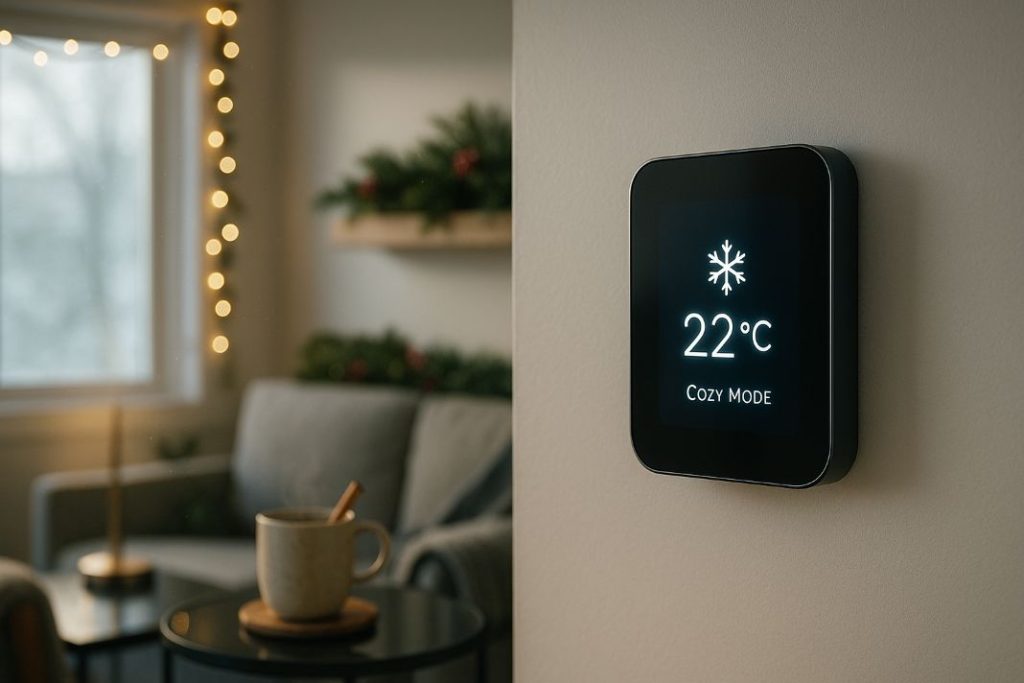
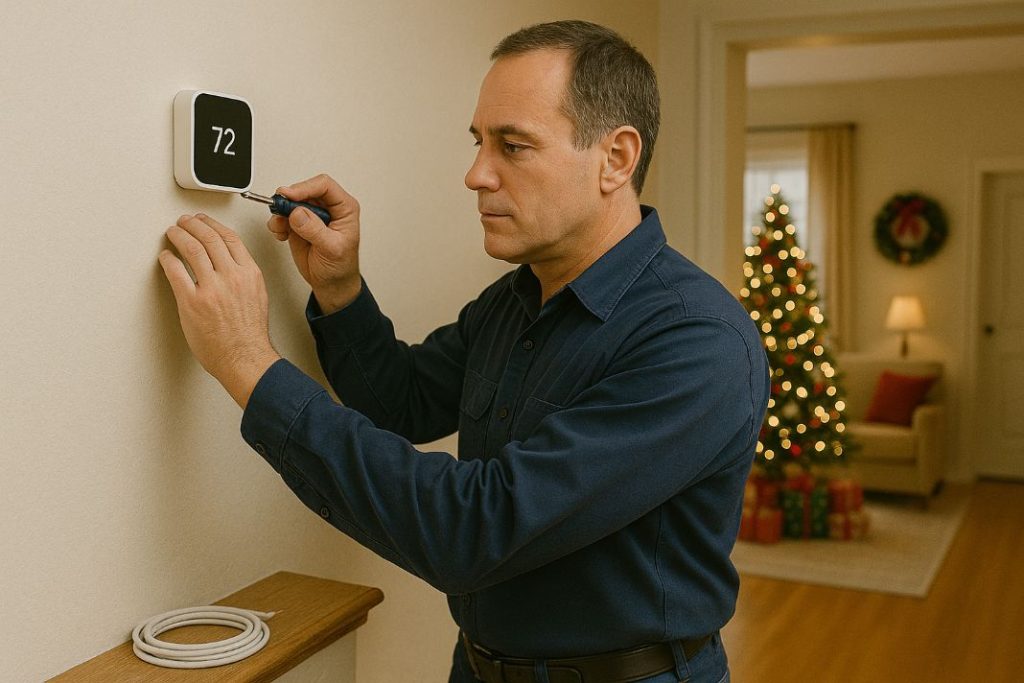
Pro Tip: Always label your wires before removing the old thermostat one small mistake can delay the whole job.

How to Know If Your Heating System Supports a New Thermostat

Know your system

Before starting any work, take time to identify the type of boiler in your home. The kind of heating system you have determines which thermostats are compatible.

Common UK heating setups

  • Combi boilers — These systems are usually compatible with wireless thermostats and smart receivers.

  • Conventional systems – Often require a wired receiver and a dedicated programmer.

  • Zoned systems – May need multiple thermostats and dedicated control interfaces.

Things to check

  • Does your setup include a C-wire (common wire) for continuous power?

  • Are you planning to install a smart thermostat like Hive, Nest, or Tado?

  • Will your current backplate support the new unit, or does it require rewiring?

  • Have you reviewed a thermostat wiring diagram UK homeowners commonly use?

This is similar to checking that a charger fits before purchasing a new phone. In this case, however, the implications involve safety, wasted time, and potential damage to your system.

What to Check Before You Start: Wiring, Safety, and Compatibility

Safety first

Before you touch any part of your heating system, follow these essential steps:

  1. Turn off the power at the fused spur or main circuit.

  2. Verify isolation by testing with a voltage tester or multimeter.

  3. Count and identify your wires, noting terminal positions.

  4. Check the backplate compatibility and the new model’s requirements.

  5. Consult wiring guides from the thermostat manufacturer or use an online compatibility tool.

Follow UK safety standards

Electrical work must comply with UK Part P Building Regulations, which apply to domestic installations. For full guidance, refer to Electrical Safety Council, BSI (British Standards Institution) guidelines, and IET Wiring Regulations (BS 7671) resources.

This stage isn’t optional. Proper checks protect your safety, system integrity, and legal compliance.

Need Help Installing Your Thermostat?

Not sure if your system is compatible or safe to wire? Let a certified RightAir engineer handle it.

How to Replace a Thermostat Yourself: Step-by-Step

Tools you’ll need

  • Screwdrivers (flat and cross-head)

  • Voltage tester or multimeter

  • Mobile phone for taking wiring photos

  • Stickers or masking tape for labelling wires

Step-by-step

  1. Turn off power to the heating system at the isolation point.

  2. Take a clear photo of the existing wiring as a reference.

  3. Label each wire using tape or stickers and a pen.

  4. Remove the old unit carefully, starting with the backplate.

  5. Install the new backplate, matching wires to the correct terminals.

  6. Mount the new thermostat, securing all wires properly.

  7. Restore power and test the system, if needed, perform a quick system reboot.

Helpful tips

  • Always double check wire labels against the new unit’s diagram.

  • If calibration or app pairing is required, follow the manufacturer’s instructions.

  • Stop immediately if something doesn’t look right and seek help.

Smart Thermostat Upgrades: What You Need to Know First

The hidden complexity

Smart thermostats promise energy savings and modern features, but only if your system supports them.

Key points to consider

  • Does your setup include a receiver unit that links with your boiler?

  • Is your system missing a C-wire, or does your model require one?

  • Is your boiler modern enough to handle digital signals from a smart unit?

  • Are you comfortable managing mobile apps and Wi-Fi pairing?

A quick comparison

  • Hive Active Heating – Works well with combi boilers; includes a receiver and control hub.

  • Nest Learning Thermostat – Learns your usage patterns but can be complex to install.

  • Tado – Offers excellent zoning features but may require extra devices or setup steps.

Avoiding issues

Smart thermostats often fail to pair correctly if the receiver unit is installed improperly or if the app is not synced fully during setup. Common issues include incorrect wiring to the boiler terminals, power loss to the receiver, and mobile apps not recognising the thermostat due to skipped Wi-Fi pairing steps. Double-check every stage of the setup and consult the manual carefully.

If your thermostat upgrade alters fixed wiring, especially where new cable routes or backplate changes are involved, you may need the work certified under Part P of the UK Building Regulations. This ensures safety compliance and protects your legal standing with insurers and future buyers.

Check manufacturer compatibility tools before you buy. 

Pro Tip: If your system lacks a C-wire, choose a battery powered thermostat or consult a professional before proceeding.

When It’s Better to Call a Professional

Know your limits

There are times when calling a professional is the safer choice:

  • You have a zoned or unusually wired system

  • The boiler is older, modified, or unfamiliar

  • Your work could affect your property insurance

  • You don’t feel completely sure about the wiring or safety steps

How can we help

RightAir’s installers are certified through NICEIC, Checkatrade, and the Gas Safe Register. We provide certified installations, full testing, and peace of mind. If your installation requires legal sign-off, we’ll handle the paperwork too.

Recognising when to step back and hire a professional does not mean you have failed. Instead, it reflects a smart and well-informed choice.

Keeping Your New Thermostat Working

Aftercare matters

Your installation is complete, but regular upkeep helps maintain performance.

Ongoing tasks

As the seasons change, so should your thermostat schedule. During autumn and winter, make sure your heating activates before you’re up and moving, often 30–60 minutes ahead of your usual routine. In spring and summer, switch to a manual or eco mode to avoid unnecessary heating cycles, especially on warmer mornings. Adjusting these settings seasonally keeps your energy use efficient and ensures comfort year-round.

  • Calibration – Ensure the room temperature display reflects reality.

  • Battery replacement – For battery-powered models, change them yearly.

  • Check apps and Wi-Fi connections – Reconfigure settings after phone or app updates.

  • Update schedules – Optimise based on seasonal heating needs (schedule optimisation).

Common issues

  • Signal dropout between thermostat and boiler

  • Incomplete syncing between app and device

  • Heating not activating due to schedule errors

Get a Thermostat Compatibility Check

Avoid wasted time and money. We’ll check your boiler and wiring before you buy.

Share

Read Similar Blogs

Can I Replace a Thermostat Myself-RightAir Solutions

Can I Replace a Thermostat Myself?

Thinking of swapping your thermostat? Find out if it’s safe, legal, and worth doing yourself before you reach for your screwdriver.

The Top 10 Tado Thermostat FAQs-RightAir Solutions

The Top 10 Tado Thermostat FAQs

Wi-Fi issues, boiler problems, or no heat? These 10 Tado fixes could save you hours of guessing. See what most guides leave out.

RightAir Solutions

32 Donnington Rd, London NW10 3QU
 
020 3886 2326
 
GQRC+JX London