RightAir Solutions is a company that specialises in commercial air conditioning services.

What do access installers actually need on installation day?

A well-prepared site makes everything easier. When details are sorted ahead of time, installers can get straight to work with minimal disruption. But when things are missing or unclear, delays quickly build up. Imagine trying to decorate a room without clearing it first. You spend more time shifting things than painting. Access installation works the same way. A bit of planning helps the day run smoothly, quietly, and efficiently.

Table of Contents

Why preparing for access control installation makes a noticeable difference?

Installers work efficiently when a site is ready. Too often, though, they arrive to find blocked routes, missing access permissions, or equipment that hasn’t turned up. Every delay adds up. In busy London properties, even a short interruption can affect residents, building staff, and other contractors. The solution is simple: someone needs to be ready to meet the installers, confirm that power and network connections are live, and ensure equipment is accessible. These practical steps remove most common delays.

What to finalise before installation day?

There are a few essential items to check the day before installation. Confirm who the on-site contact is and ensure all access permissions have been arranged. Make sure the power supply is both live and reachable, and verify that the network port is active. Finally, stage the hardware and paperwork so everything is in one place. This short checklist can turn a potentially stressful install into a structured and efficient process.

What to prepare before the installer arrives?

Before the team arrives, the basics need to be sorted. Installers should know where to park, who will meet them, and whether reception or security is informed. Without these details, time is lost immediately. A quick message confirming the plan helps the work start on time.

Pro Tip: Stage all hardware in one labelled area to avoid delays caused by missing parts.

What site access do installers need?

Delays often happen because key areas are locked. Riser cupboards, IT rooms, and plant rooms frequently require specific keys or codes. In older or multi-tenant buildings, this is even more common. It helps to gather the required access tools in advance or have someone available who can unlock doors. Placing keys at the entrance can save further time. These small steps keep work moving.

Is the power supply ready for installation?

Access systems need a reliable power source, typically a fused spur or mains socket. Installers do not carry out electrical work. They connect equipment to what is already installed. If the supply is off, blocked, or missing, work cannot begin. Make sure the outlet is accessible, labelled, and live. This is one of the easiest ways to avoid delays.

Is the network set up for access system installation?

Network readiness is vital for access systems that use cloud features or internal management tools. Installers typically need a live Ethernet port, Power over Ethernet (if required), and DHCP enabled. It’s also helpful to have an IT contact available in case access is restricted. Without this setup, installers may need to return later to complete configuration. Verifying the network in advance allows setup and testing to happen on the same day.

Book a Pre-Installation Site Survey

Ensure your site is ready before the installers arrive. Our team helps prevent costly delays with a fast pre-check.

What hardware should be on-site?

Missing hardware is a common cause of delays. Even a single bracket or a bag of screws can stop progress. To avoid this, stage all required components the day before. Include locks, readers, controllers, fixings, and any interface panels. RightAir Solutions often checks deliveries beforehand, but the last verification should happen on-site. A tidy, labelled staging area keeps everything close to hand.

What documents do installers need?

Installers follow documentation to complete the job correctly. They rely on door schedules, wiring diagrams, access permissions, and location plans. These don’t need to be technical but must be up to date. Whether printed or shared digitally, the latest versions should be ready and easy to access. Even small changes made recently need to be included.

How to prepare the physical workspace?

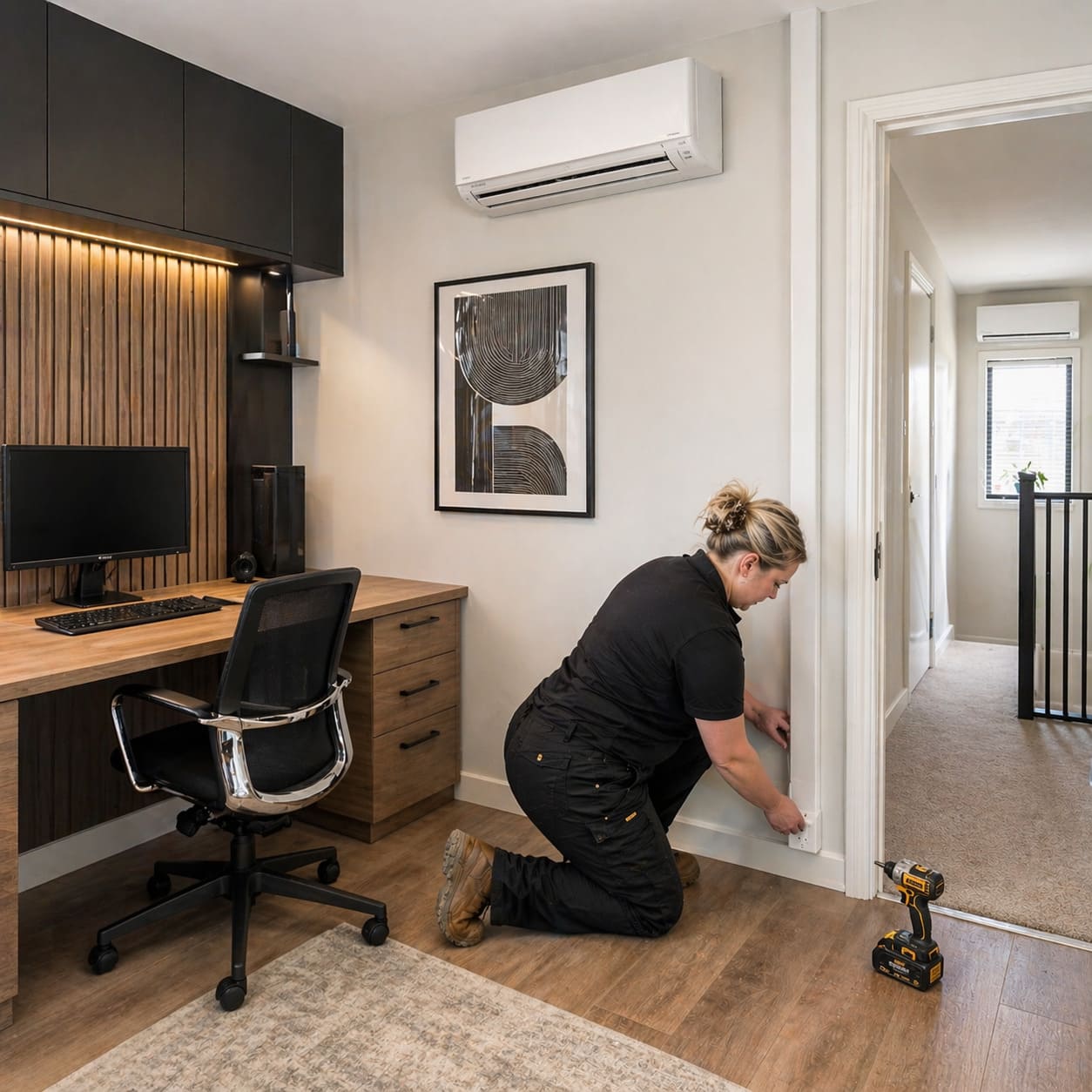
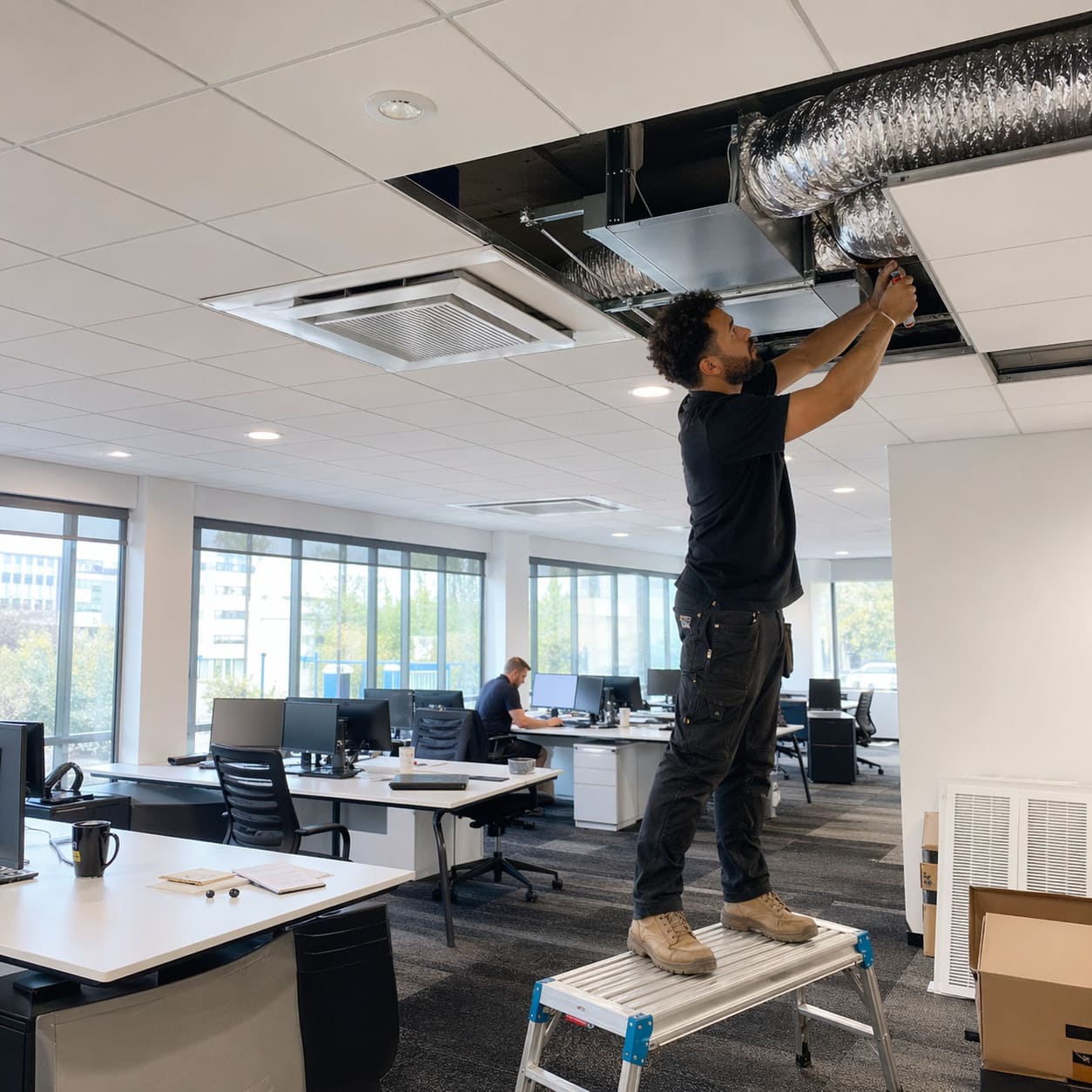
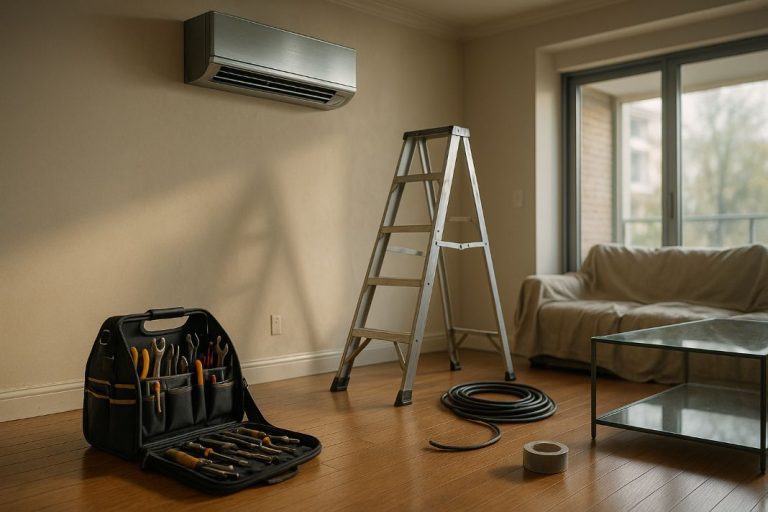
A safe, clear workspace helps everything run faster. Remove items around door frames. Keep ceiling voids accessible. Make sure installers can reach hinges, thresholds, and cable routes. Space to move, use ladders, and position tools makes a noticeable difference to the outcome.

Pro Tip: Assign a contact who can approve changes quickly to prevent installation standstills.

What safety rules do installers follow?

Installers follow the site’s safety rules. These include site inductions, using PPE, and keeping fire routes clear. If a door is temporarily locked, it should be clearly marked. The site can support this by confirming induction times and having printed signage ready. These simple actions allow work to proceed safely and without pause.

What disruption should you expect?

Installation creates some temporary noise and activity. Expect brief drilling, occasional access restrictions, and equipment being moved through shared areas. Teams work cleanly and quickly, but it helps to let staff or tenants know in advance. Most disruption is short-lived and manageable when planned for.

Who should installers be able to contact?

Installers may need quick decisions on the day. Someone should be available who understands the system and can approve changes. Ideally, they are reachable by phone or on-site and are familiar with the overall plan. RightAir Solutions confirms this role in advance with clients to avoid unnecessary hold-ups.

Upgrade Your Access Control System

Outdated systems slow you down. Get a discreet, modern solution tailored to your property.

What do installers need to complete testing?

Testing, or commissioning, is the last step. Installers check access levels, door response, logging accuracy, and system behaviour. They confirm everything functions as intended. This requires live power, network access, accurate permissions, and correct user data. For small systems, this might take a few hours. Larger sites need more time, particularly when multiple users or access groups are involved.

Who handles which part of access installation prep?

Different teams manage different parts of preparation. The building manager usually handles physical access and clearing space. Facilities teams manage inductions, entry procedures, and daily coordination. IT staff look after connectivity and port access. Project managers or site coordinators prepare documentation, hardware, and test plans. When everyone knows their role, work proceeds without confusion.

Common reasons for delays during installation

Most delays are easy to avoid. They include locked rooms, inactive power, unavailable network ports, missing hardware, and the absence of a contact to make decisions. These aren’t complex problems. They are planning gaps. A quick readiness review the day before installation typically prevents them. One misconception is that installers arrive with everything. In reality, the site must be prepared ahead of time. That’s the foundation of installation readiness.

How to ensure a smooth access control installation?

A successful installation depends on good preparation. When access is arranged, equipment is staged, documents are ready, and contacts are clear, the process runs efficiently. The system gets installed, tested, and handed over without disruption. It is not difficult. It just requires a clear plan, a little coordination, and the right checks in place.

Speak to a System Designer

Planning a new install? Let our experts help you design a smarter, more efficient layout.

Share

Read Similar Blogs

RightAir Solutions

32 Donnington Rd, London NW10 3QU
 
020 3886 2326
 
GQRC+JX London